

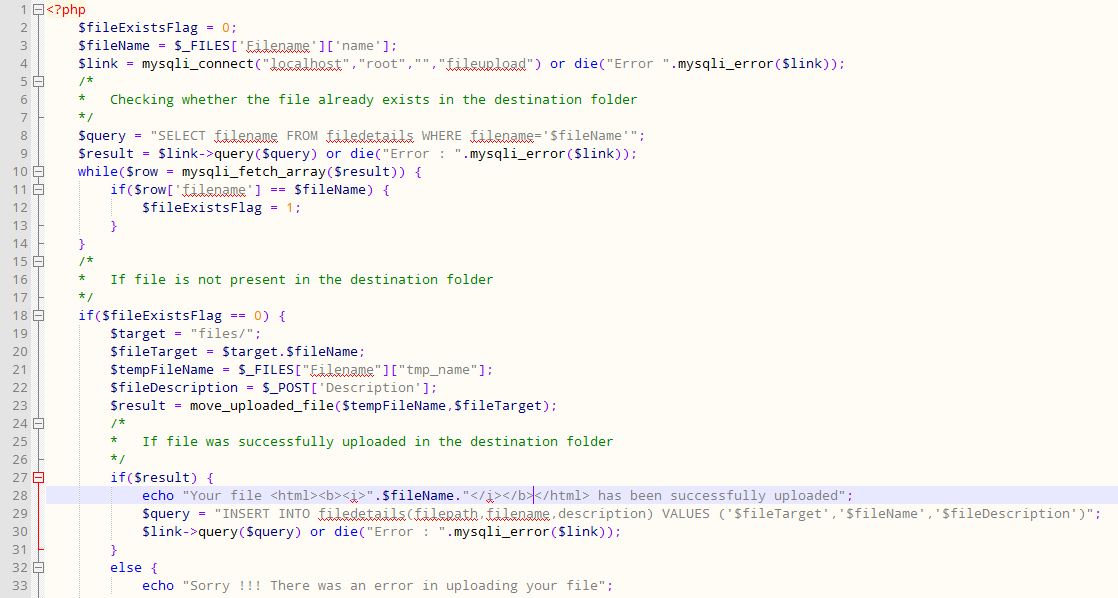
When it comes to uploading file, the best way to do it, would be to upload the file to a file server and save the path of the file in the database. In this case, I have used PHP to upload the file to a directory and save the path of the file in the MySQL database.
Basically, you will need a simple HTML form and a PHP code to upload the file. So, here’s the HTML form.
form method="post" action="upload.php" enctype="multipart/form-data">
    <p>File :</p>
    <input type="file" name="Filename">
    <p>Description</p>
    <textarea rows="10" cols="35" name="Description"></textarea>
    <br/>
    <input TYPE="submit" name="upload" value="Submit"/>
</form>
And here’s the PHP code. Do note I have also added the logic to check whether the file is already there in the destination folder before the upload takes place.
<?php
	$fileExistsFlag = 0;
	$fileName = $_FILES['Filename']['name'];
	$link = mysqli_connect("localhost","root","","fileupload") or die("Error ".mysqli_error($link));
	/*
	*	Checking whether the file already exists in the destination folder
	*/
	$query = "SELECT filename FROM filedetails WHERE filename='$fileName'";
	$result = $link->query($query) or die("Error : ".mysqli_error($link));
	while($row = mysqli_fetch_array($result)) {
		if($row['filename'] == $fileName) {
			$fileExistsFlag = 1;
		}
	}
	/*
	* 	If file is not present in the destination folder
	*/
	if($fileExistsFlag == 0) {
		$target = "files/";
		$fileTarget = $target.$fileName;
		$tempFileName = $_FILES["Filename"]["tmp_name"];
		$fileDescription = $_POST['Description'];
		$result = move_uploaded_file($tempFileName,$fileTarget);
		/*
		*	If file was successfully uploaded in the destination folder
		*/
		if($result) {
			echo "Your file <html><b><i>".$fileName."</i></b></html> has been successfully uploaded";
			$query = "INSERT INTO filedetails(filepath,filename,description) VALUES ('$fileTarget','$fileName','$fileDescription')";
			$link->query($query) or die("Error : ".mysqli_error($link));
		}
		else {
			echo "Sorry !!! There was an error in uploading your file";
		}
		mysqli_close($link);
	}
	/*
	* 	If file is already present in the destination folder
	*/
	else {
		echo "File <html><b><i>".$fileName."</i></b></html> already exists in your folder. Please rename the file and try again.";
		mysqli_close($link);
	}
?>
So, that’s it for this tutorial. Stay tuned for more.